
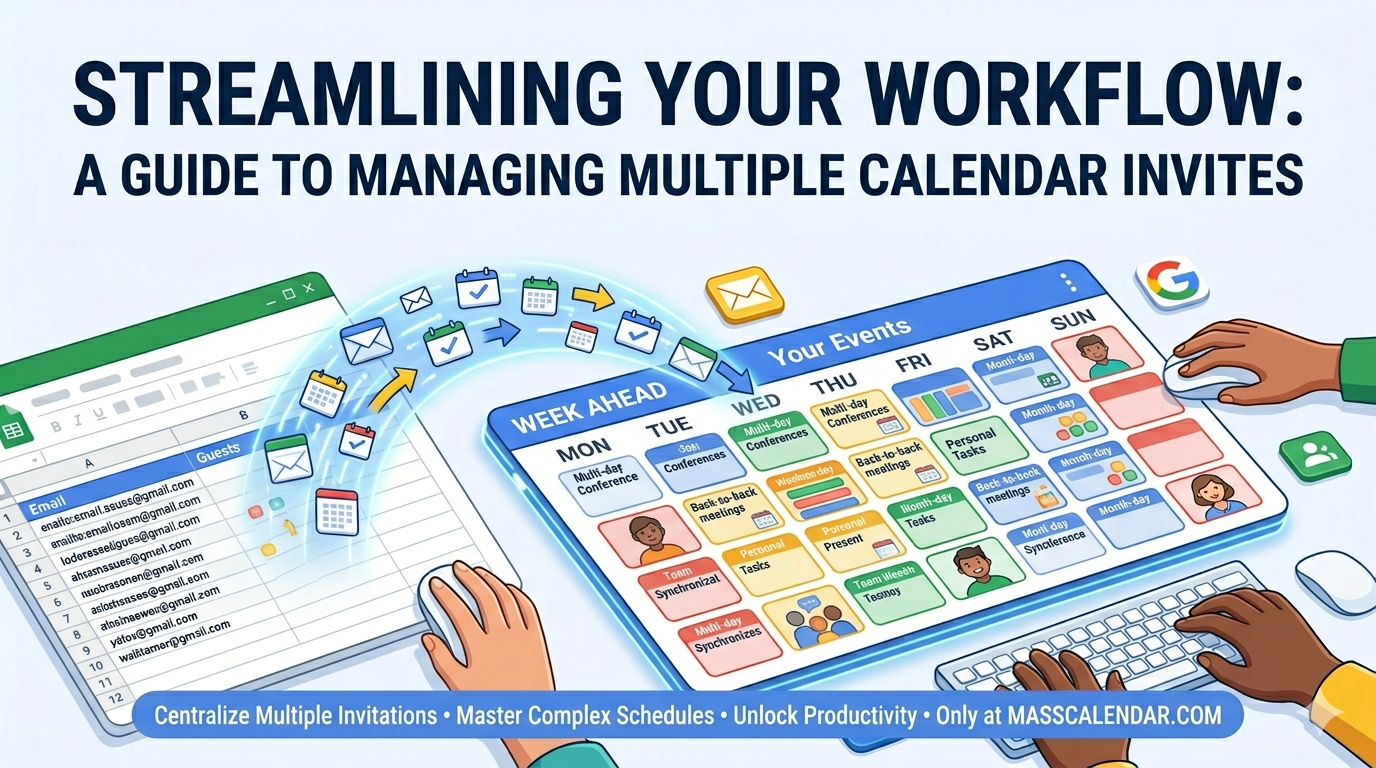
Streamlining Your Workflow: A Guide to Managing Multiple Calendar Invites
Time is our most valuable resource, yet we spend a staggering amount of it just trying to get on each other's schedules. For project managers and executive assistants, the challenge of a mass calendar invite in gmail or other platforms is a daily reality. How do we move away from the "one-by-one" clicking and toward a more automated, bulk-oriented mindset?
BLOG
4/21/20262 min read
Time is our most valuable resource, yet we spend a staggering amount of it just trying to get on each other's schedules. For project managers and executive assistants, the challenge of a mass calendar invite in gmail or other platforms is a daily reality. How do we move away from the "one-by-one" clicking and toward a more automated, bulk-oriented mindset?
Why Bulk Invites Matter
The necessity to send mass meeting invites often arises during seasonal shifts, think quarterly reviews, open enrollment periods, or holiday scheduling. Without a strategy to send bulk meeting invite requests, an organizer could spend hours on data entry rather than strategy.
For enterprise users, the ability to generate a bulk meeting invite allows for a unified message. It ensures that every participant receives the same attachments, the same video link, and the same agenda simultaneously. This synchronized approach is far superior to sending individual emails, which often leads to version control issues.
Navigating Different Platforms
Different software requires different approaches. If you are looking to create a bulk calendar invite in outlook, you might explore the "Mail Merge" features or utilize CSV imports to populate your attendee list. On the other hand, if you need to send bulk meeting invites, you must be mindful of the "daily send limits" imposed by most providers to prevent account suspension.
Managing a mass calendar invite also requires a follow-up strategy. Once the invites are out, the organizer must track RSVPs. High-volume scheduling often results in a high volume of "Declined" or "Tentative" responses, necessitating a secondary round of invites to fill those slots.
Key Considerations for Success:
Privacy: When you send mass meeting invites, consider whether attendees should see each other's email addresses. Use the "BCC" equivalent in calendar settings if privacy is paramount.
Attachments: Ensure any documents linked in your bulk calendar invite have the correct sharing permissions for all recipients.
Consistency: Use a template for your multiple calendar invites to ensure a professional look across the board.
By mastering the technical hurdles of how to send bulk calendar invite requests, you free up your mental bandwidth for the work that actually happens during the meeting, rather than the work required to set it up. In a world that moves fast, being able to send mass meeting invites with confidence is a definitive competitive advantage.
Here are two professional, generic blog posts optimized for your platforms. Each post naturally incorporates your requested keywords while providing valuable information to your readers.
MassCalendar.in
Send Bulk & Mass Calendar Invites Instantly
CONTACT
Meetings
+44 (0) 203 916 5117
© 2025. All rights reserved.
Help?