
The Essential Guide to Professional Meeting Invites: Gmail and Outlook
Have you ever wondered exactly what is a calendar invite and why it has become the backbone of the corporate world? Simply put, it is a formal request for someone's time that exists as a living document in their digital workspace. It bridges the gap between a casual "let's chat" and a confirmed appointment.
BLOG
3/24/20262 min read
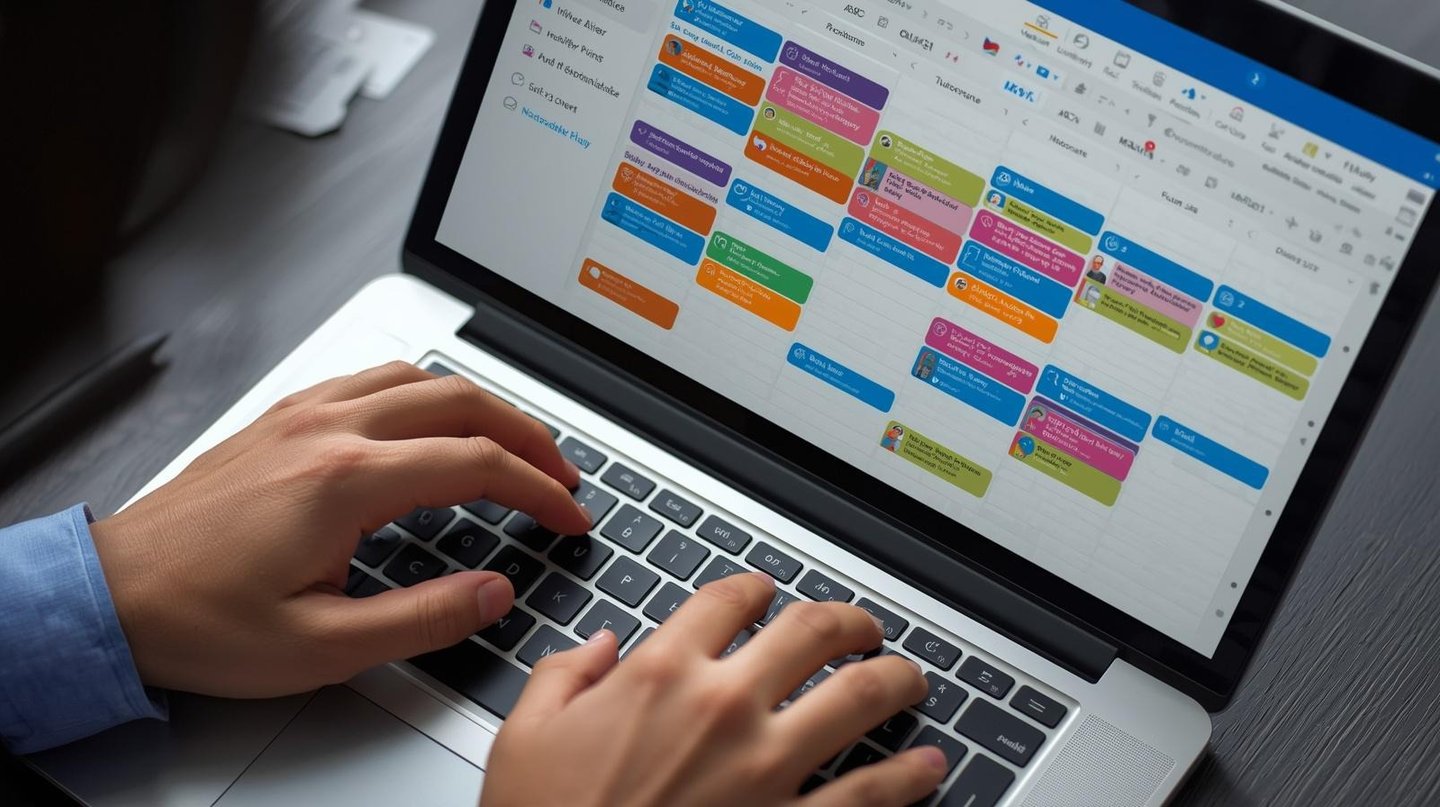
Have you ever wondered exactly what is a calendar invite and why it has become the backbone of the corporate world? Simply put, it is a formal request for someone's time that exists as a living document in their digital workspace. It bridges the gap between a casual "let's chat" and a confirmed appointment.
Mastering the Meeting Invite in Gmail
For many, the first point of contact for scheduling is Google Workspace. To send meeting invite in Gmail workflows, you don't even have to leave your inbox. You can open a sidebar, see your day's schedule, and quickly "Create an event" based on an ongoing email thread.
When you send calendar invite Gmail notifications, the platform also offers "Propose a new time" features for your guests. This turns a static request into a collaborative conversation, reducing the back-and-forth emails that often plague project management.
Efficiency with Bulk and Multiple Invites
When your responsibilities grow, your scheduling methods must evolve.
In Outlook: Sending a bulk calendar invite in Outlook is essential for HR departments or project leads. By utilizing the "Scheduling Assistant," you can find a gap in everyone’s day simultaneously.
In Google: Handling multiple calendar invites in Gmail environments often involves creating recurring events. This is perfect for weekly check-ins or monthly reviews, ensuring your "calendar invite" stays on the books for the long term.
Feature
Gmail/Google Calendar
Microsoft Outlook
Primary Method
"Add Guests" in event window
"New Meeting" in Calendar tab
Bulk Capacity
Via Google Groups
Via Contact Lists/Groups
Visibility
"Find a Time" tab
"Scheduling Assistant"
Why Consistent Calendar Invites Matter
A well-structured meeting invite in Gmail or Outlook serves as a record of truth. It holds the link to the video call, the list of attendees, and the attached documents. When you learn how to send a calendar invite on Gmail or Outlook correctly, you reduce the risk of "no-shows" and technical glitches at the start of your meeting.
By effectively utilizing calendar invites, you take control of your day. No more searching through threads to find a Zoom link; everything you and your team need is tucked neatly into that specific block of time on your screen.
MassCalendar.in
Send Bulk & Mass Calendar Invites Instantly
CONTACT
Meetings
+44 (0) 203 916 5117
© 2025. All rights reserved.
Help?